
Home Based Learning (HBL)
Find your weekly plan, HBL routines, and SLS login times all in one place.
HBL Routines
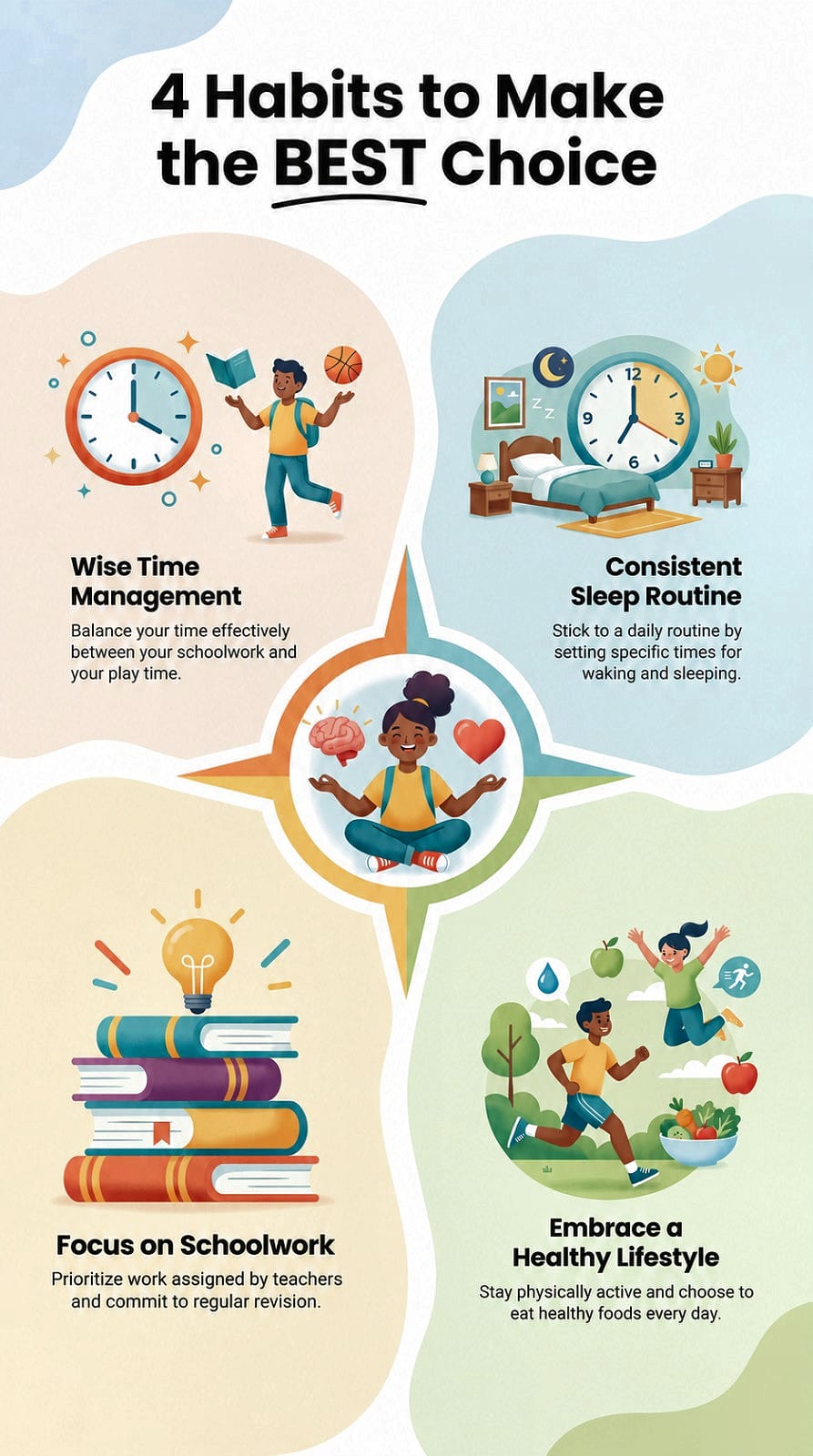
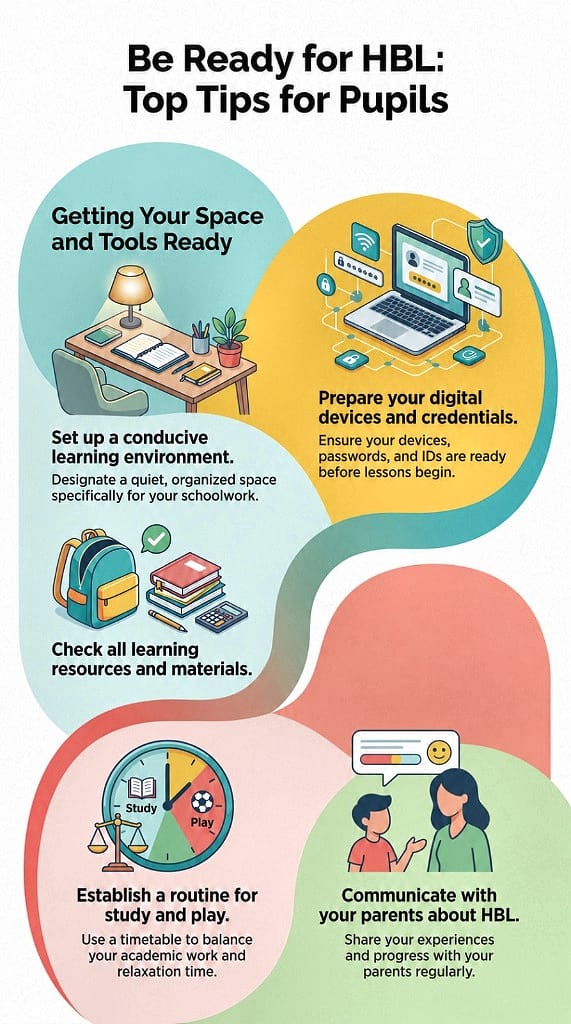
HBL Weekly Plan
Getting Started
Adobe Acrobat Reader or an alternative PDF reader
Please install the software on your computer or tablet so that you can open and read the Weekly Plans which are saved in PDF format.
Accessing the Weekly Plan
Method 1
On "Home-Based Learning" webpage, select "Weekly Plan" according to your level. Click on your form class and mother tongue class to access the weekly plans.
Method 2
Before the start of HBL, you will receive a PG message regarding the HBL arrangement. Please log in to Parent’s Gateway to read the message and click the hyperlink to access the weekly plans.
Class Weekly Plan
Primary 1 Weekly Plan
Class | Chinese | Malay | Tamil |
|---|---|---|---|
Primary 2 Weekly Plan
Class | Chinese | Malay | Tamil |
|---|---|---|---|
Primary 6 Weekly Plan
SLS Support
SLS Helpline
School Operating Hours
During school operating hours, students should contact the School-based Helpline for SLS queries including all SLS access matters such as password reset and unlocking of accounts, as well as queries about lesson assignments.
School-based Helpline: 6760 0178
Mondays - Fridays: 8:30 a.m. - 4:00 p.m.
Non-School Operating Hours
Outside the school operating hours, students should contact the SLS Helpdesk for support.
Call SLS Helpdesk at 6702 6513
Mondays - Fridays: 4:00 p.m. - 9:00 p.m.
Saturdays: 9:00 a.m. - 3:00 p.m.
*Closed on Sundays & Public Holidays
Email SLS Helpdesk at helpdesk@sls.ufinity.com
When emailing the SLS Helpdesk, students should include their full name, name of school and form class.